Agency Client KPI Roll-Up
One reusable report for every client. Paste monthly metrics per client and channel, and get per-client KPIs, budget pacing, goal attainment, and a portfolio view that flags who's over budget or under goal — automatically. Built for Excel and Google Sheets, free to download.
What's inside
Data
One tidy table: date, client, channel, spend, impressions, clicks, leads, revenue. Paste your monthly exports here. Drop-down for client.
Client Dashboard
Pick a client → spend, leads, revenue, cost per lead, ROAS, budget pacing, and goal attainment, all pulled with SUMIF.
Portfolio
Every client side by side with a flag for OVER BUDGET or UNDER GOAL — the cross-client view a per-client tab can't give.
Targets
Each client's monthly budget and lead goal. Drives pacing and attainment across the whole workbook.
Ask across every client at once
The template shows one client at a time. For "which clients are over budget AND under goal this month?" drop the Data sheet into Quiriz and ask in plain English. Define budget pacing and goal once in Company Context so every client report uses the same rule.
Ask across your clients →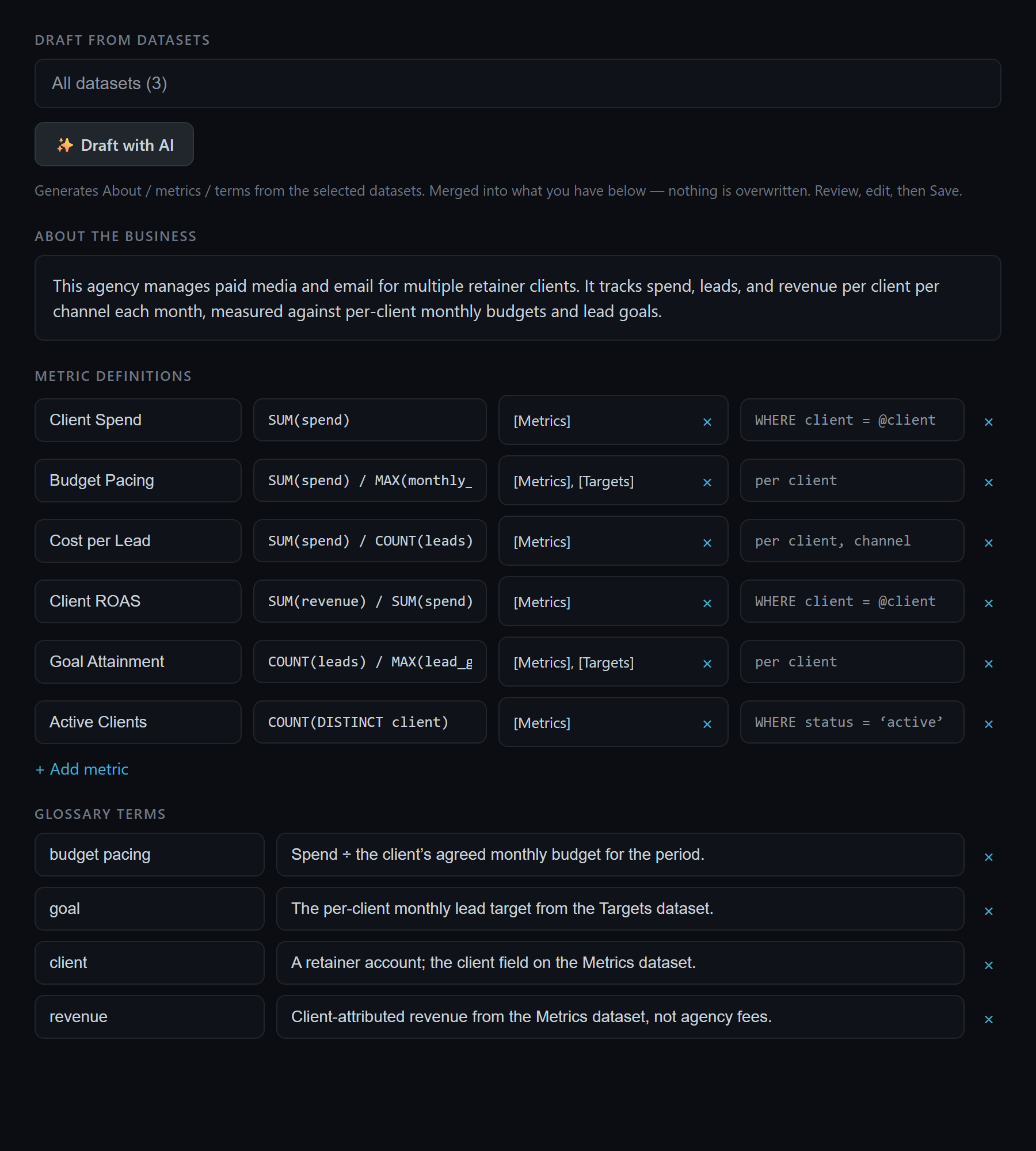
How to use it
- Download and open it in Excel, or import it into Google Sheets (File → Import → Upload).
- Set targets on the Targets sheet: each client's monthly budget and lead goal.
- Paste metrics on the Data sheet, one row per client and channel per month.
- Read the views: pick a client on the Client Dashboard, or scan the Portfolio for who's over budget or under goal.
Frequently asked questions
How do I use the agency client KPI roll-up?
What is budget pacing?
Does this template work in Google Sheets?
Can I add more clients?
Related: multi-channel profit tracker · ROAS by channel · consistent numbers from AI.