Accounts Receivable Aging Tracker
Log your invoices and see exactly who owes you, how much, and how overdue — outstanding balance, days past due, and 0–30 / 31–60 / 61–90 / 90+ aging buckets all update themselves. Built for Excel and Google Sheets, free to download.
What's inside
Invoices
Customer, invoice #, invoice date, due date, amount, amount paid, status. Balance, days past due, and the aging bucket fill in automatically. Drop-down for status.
Summary
Total outstanding, overdue over 60 days, % over 60, and outstanding balance broken out by aging bucket — all calculated.
Ask who's overdue — and get the same answer every time
A template tells you the buckets. For "which customers are over 60 days and how much do they owe?" upload the same file to Quiriz and ask in plain English. Define "overdue" once in Company Context and every answer uses the same rule — no re-deriving it per person.
Ask your receivables a question →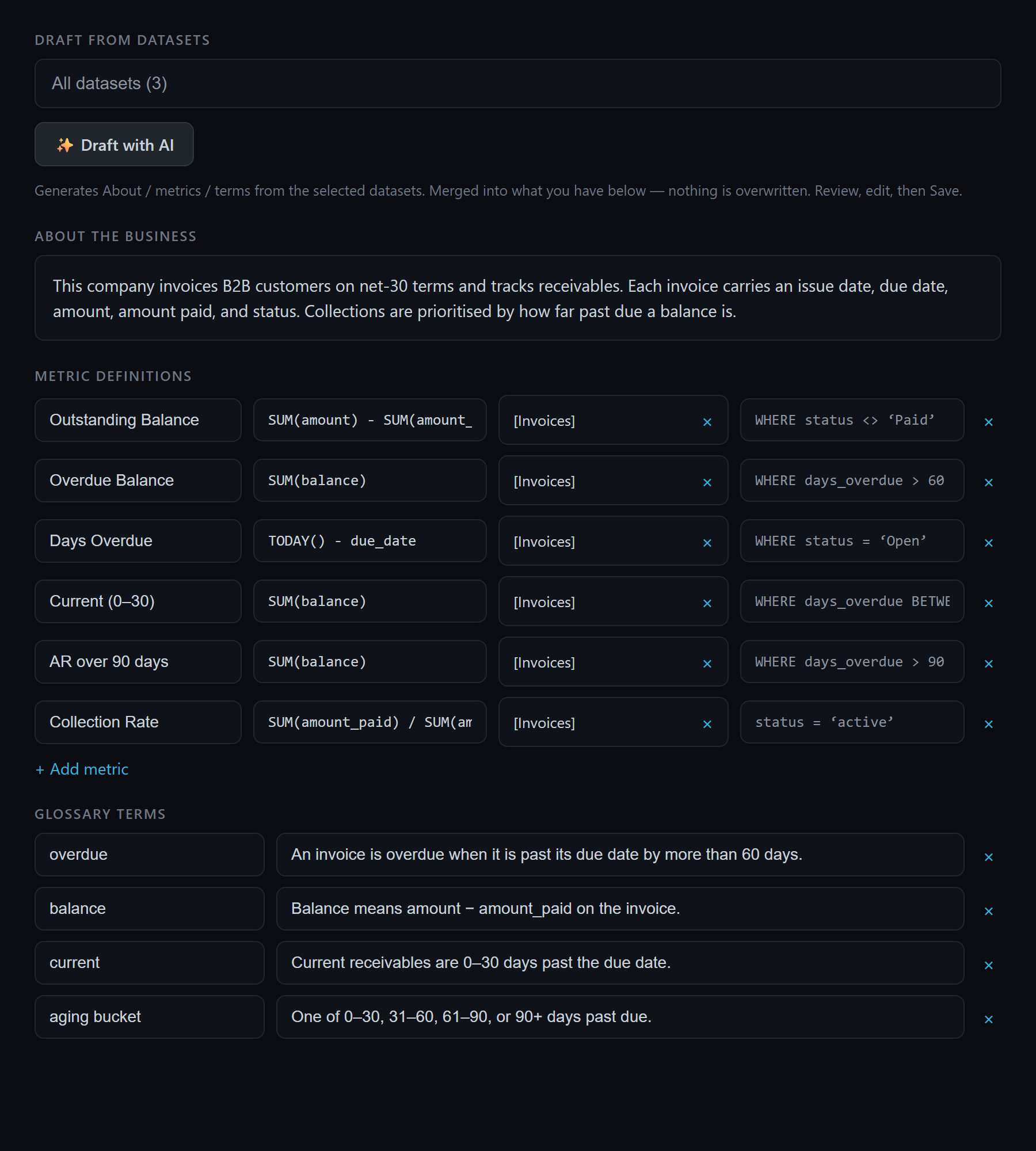
How to use it
- Download and open it in Excel, or import it into Google Sheets (File → Import → Upload).
- Log each invoice on the Invoices sheet: fill amount, amount paid, and status. Balance, days past due, and the aging bucket calculate themselves.
- Read the Summary sheet for total outstanding, overdue, and the bucket breakdown.
- Adjust the threshold if your collections cutoff isn't 60 days.
Frequently asked questions
How do I use the AR aging tracker?
What aging buckets does it use?
Does this template work in Google Sheets?
How is overdue defined?
Related: P&L tracker · expense tracker · getting consistent numbers from AI.